Markdown presentations, keyboard-first — for macOS.
SlideDash turns markdown into keyboard-driven presentations. Write your deck the way you write notes; present fullscreen with one keystroke. Free to use; one-time A$9.99 upgrade unlocks the full authoring + speaker experience.
Available on the Mac App Store soon. Email
support@b12n.appfor launch notification.
Write a deck the way you take notes
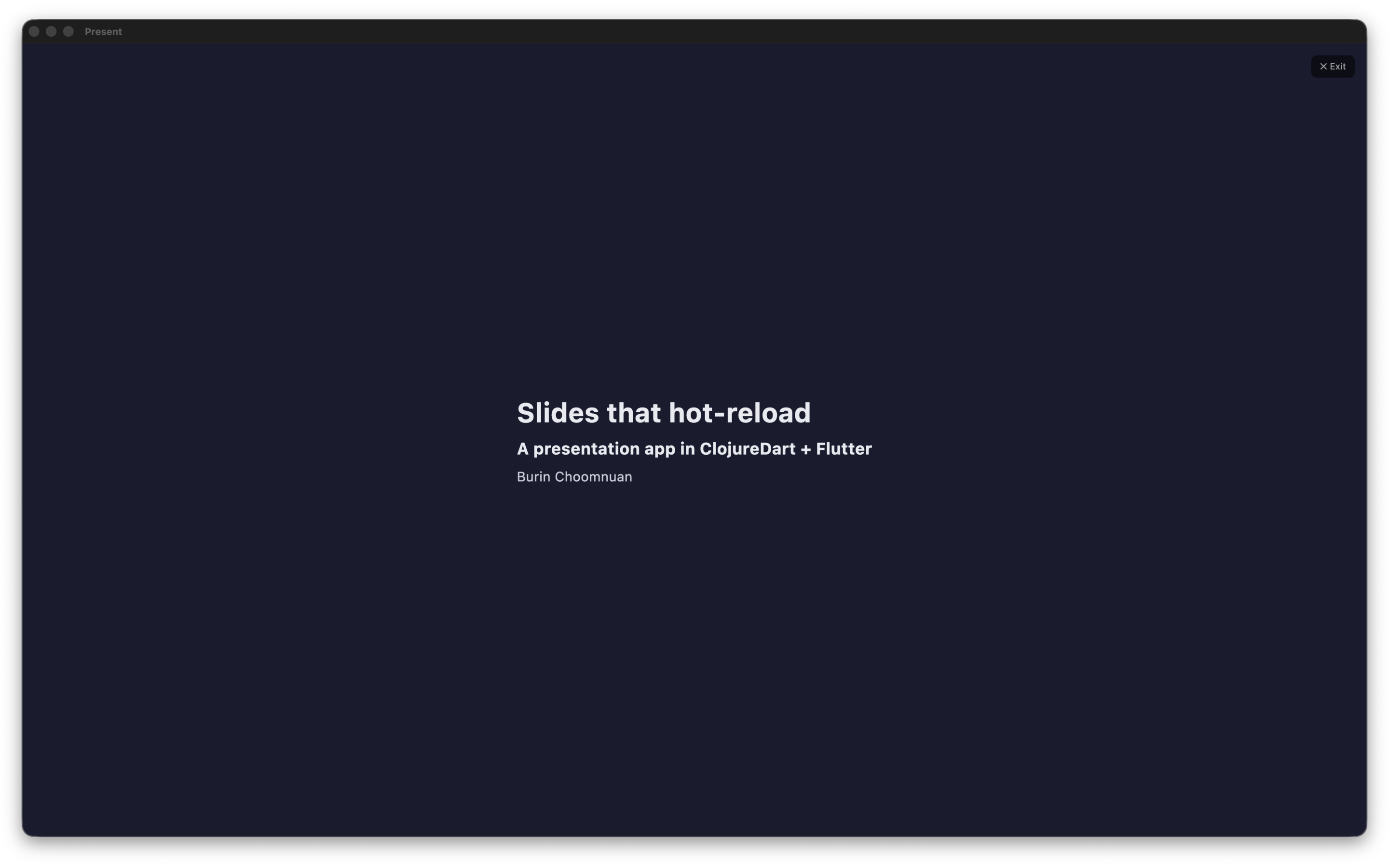
A SlideDash deck is a plain markdown file. Slides are separated by ---. Speaker notes go in HTML comments. That's it.
# Welcome to SlideDash

Keyboard-driven presentations for macOS.

<!-- Open with Cmd+O, present with the Present button or `j`/`k`. -->

---

## Why markdown?

- **No drag-and-drop** of text boxes.
- **No fiddling** with bullet alignment.
- **Diff-friendly** — your deck lives in git.

---

## What you can put in a slide

- Markdown text (this slide).
- Images, videos, web pages, HTML.
- Code blocks with syntax highlighting.
Open that file in SlideDash. Press the Present button. You're presenting.
Keyboard-first — every key has a purpose
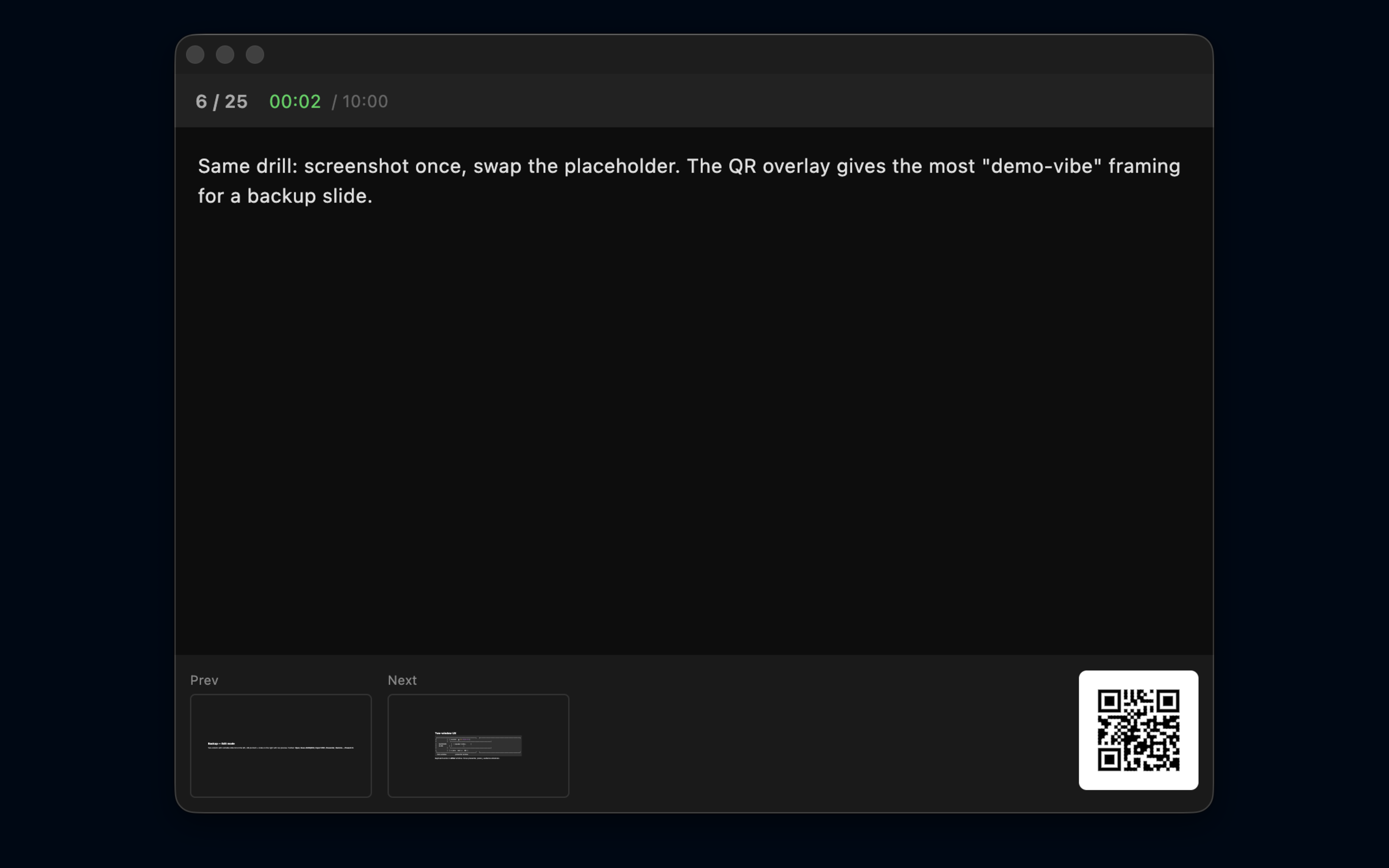
The whole interface is built around the keyboard. Mouse only when you need it.
| Key | What it does |
|---|---|
| ← / → / Space | prev / next slide |
| ↑ / ↓ | prev / next (alt) |
| H / J / K / L | first / next / prev / last (vim) |
| 0–9 + Enter | jump to slide number |
| O | slide overview: every slide as a thumbnail; pick one with the arrows and Enter, or click it, and it opens fully revealed |
| B / W | blackout / whiteboard overlay |
| T | cycle slide transition (fade / slide / zoom / push / cube / none) |
| M | cycle markdown theme (dark / light / solarized / navy) |
| A | cycle auto-advance interval |
| D | set target duration — the timer color-codes your pace |
| Q | toggle large QR overlay (audience-facing) |
| ? | toggle help overlay |
| Cmd ± / 0 | zoom slide content in / out / reset |
| Esc | exit Present mode |
The presenter window mirrors all of these — so you can drive the show from either screen, or from your phone via the QR-code remote.
When someone in Q&A asks to see "the slide about the keychain" again, press O. Every slide appears as a thumbnail, so you find it by sight instead of by number, and it opens with all its steps already revealed. Press O in the presenter window and the grid is yours alone: the audience keeps seeing the current slide until you pick one.
In the free tier
- Open any markdown deck and present it fullscreen.
- Full keyboard control: prev/next, blackout, whiteboard, transitions, vim-style navigation, slide-number jumping, and a slide overview grid.
- Audience window: clean fullscreen slide, no chrome, no dock.
- Default theme + all slide transitions.
SlideDash Pro (A$9.99 one-time)
Unlocks the full authoring + speaker experience:
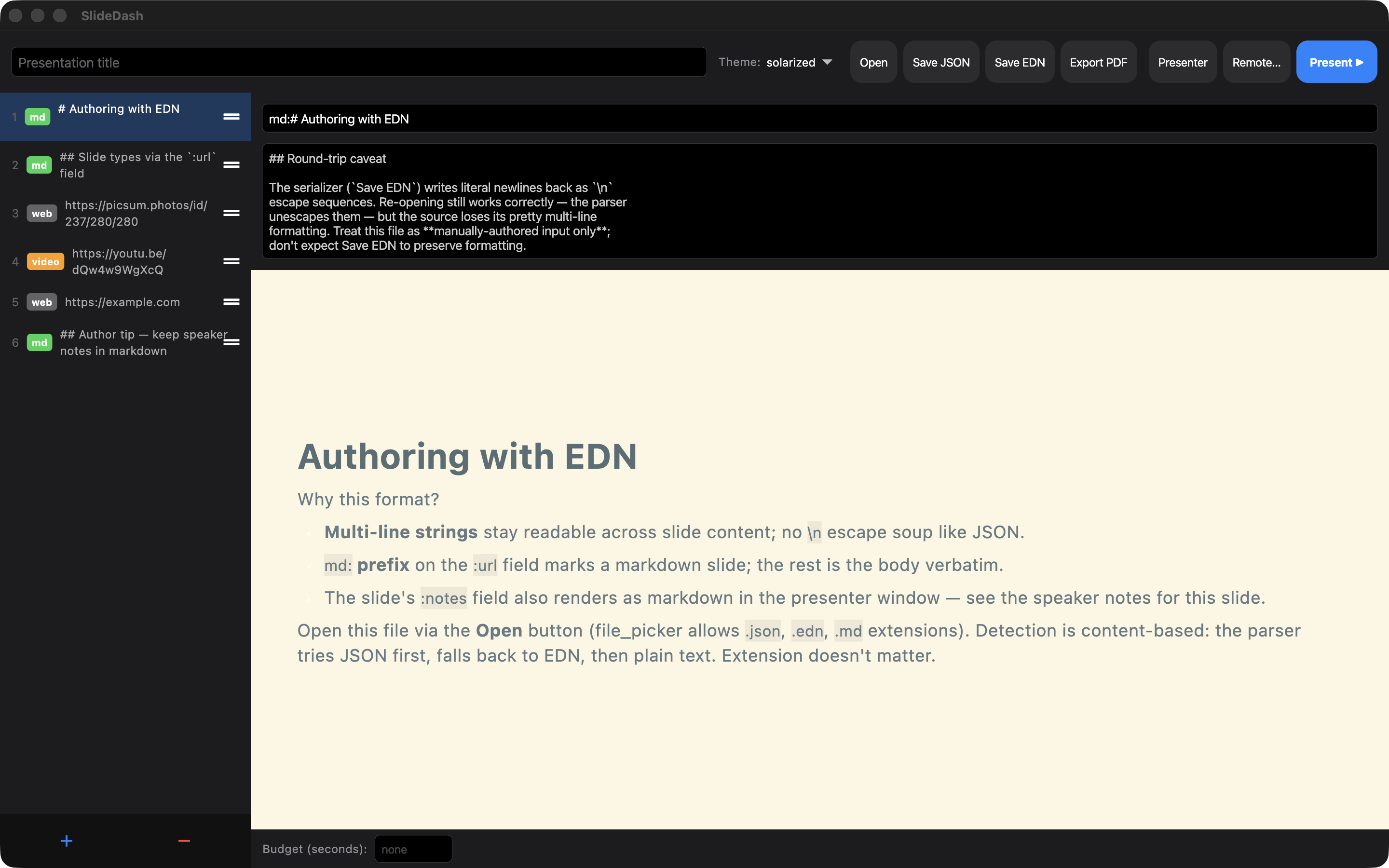
- In-app editing and save —
.md,.json,.edn. Save EDN preserves comments + speaker notes round-trippably. - PDF export for handouts, review, and emailing the deck.
- Rich slide types — embed web pages (inline WebView), videos (YouTube / Vimeo / local
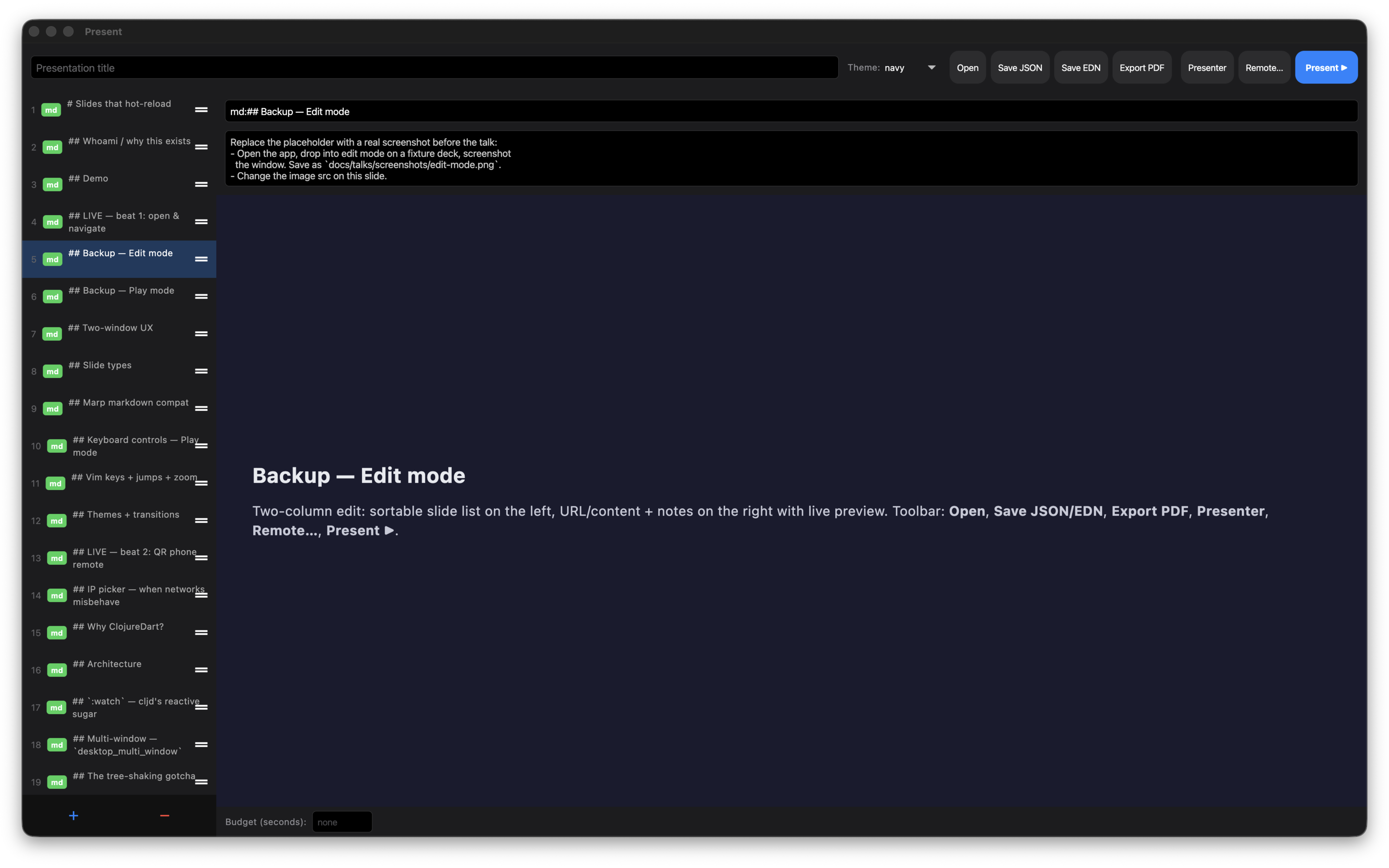
.mp4), images, and local HTML files alongside markdown. - Presenter window with clock, pace indicator, speaker notes, prev/next thumbnails, and a QR-code remote that drives the show from your phone.
- Custom themes — light, solarized, navy — plus the default dark.
- Auto-advance + target-duration timer that color-codes your pace as you present (green / amber / red).
One-time purchase. No subscription. No account. No data leaves your Mac.
Slide types at a glance
A slide's :url field decides what renders:
| Field value | Slide type | Free / Pro |
|---|---|---|
md: ... |
Markdown — text, headings, lists, code blocks, tables | Free (rendering) |
ends in .png / .jpg / .webp / .svg |
Image | Free (display); add new = Pro |
YouTube / Vimeo URL or .mp4 / .webm |
Video | Pro |
http://… / https://… (any web page) |
Inline WebView | Pro |
ends in .html |
Local HTML file | Pro |
Markdown rendering covers the common cases — headings, lists, bold / italic / code, tables, block quotes, fenced code blocks with language-aware syntax highlighting (Clojure, Dart, JS/TS, Python, Rust, and 100+ more).
Themes
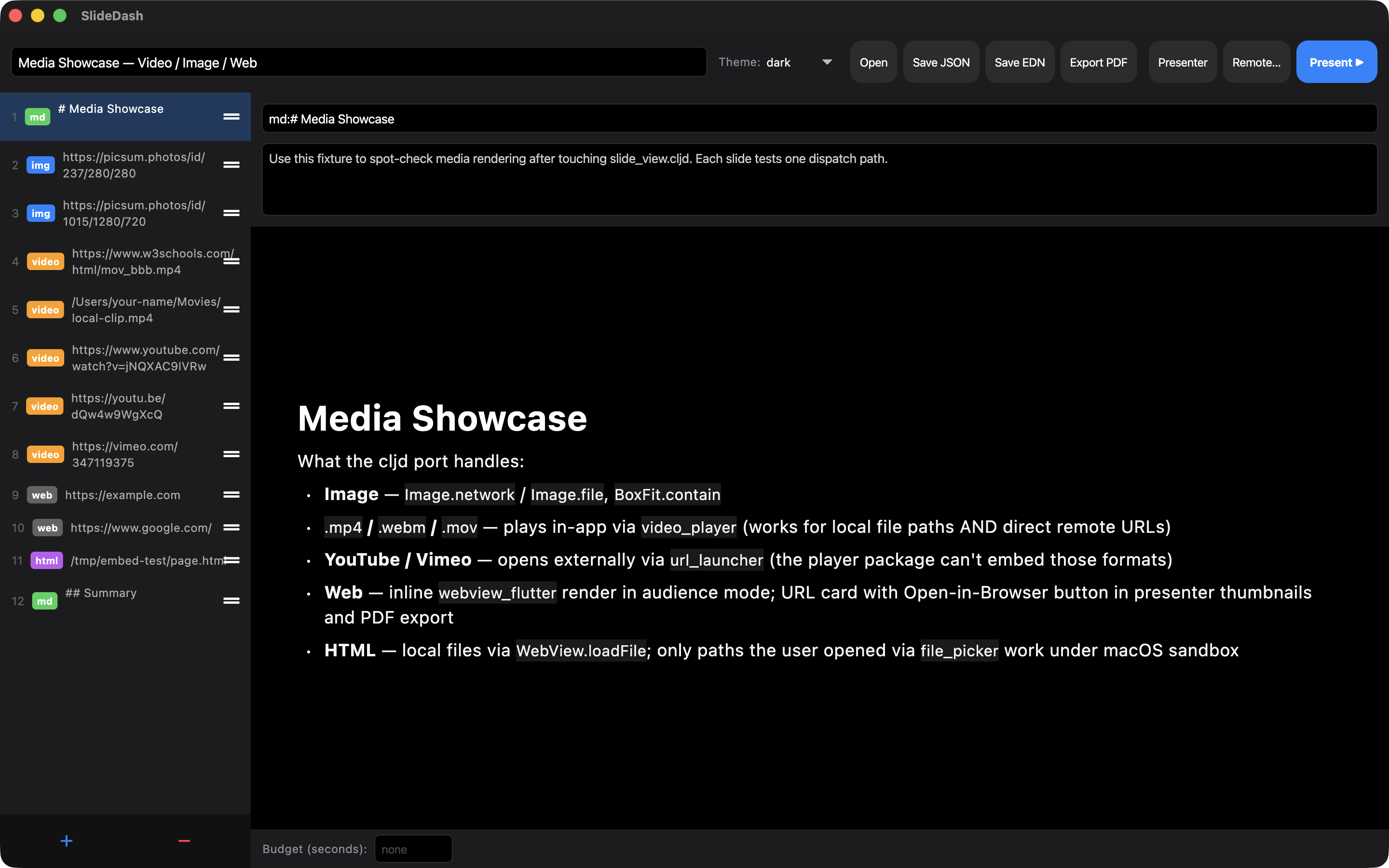
Pick the look that matches your audience and room:
- Dark (default) — high-contrast for dim rooms and live coding talks.
- Light — clean for daytime rooms and corporate venues.
- Solarized — easy on the eyes for long-form deep dives.
- Navy — Palenight-inspired, soft contrast for design-heavy decks.
Theme is per-deck and round-trips through Save. Free users get the default dark theme; Pro unlocks the other three plus the M key shortcut to cycle them live during a talk.
Drive from your phone
The presenter window prints a QR code. Scan it with any phone on the same Wi-Fi; the phone opens a tiny prev/next remote in the browser. No app install on the phone. No login.
Tap Slides on the remote for a numbered list of every slide by title. Tap one and the deck jumps straight there.
The remote runs over your local network only — no cloud relay, no Apple Push, no data egress. SlideDash declares com.apple.security.network.server for exactly this purpose and nothing else.
Privacy
SlideDash stores everything locally on your Mac. No data collection, no analytics, no cloud sync, no third-party SDKs other than Apple frameworks. The Pro upgrade is processed entirely by Apple's StoreKit — SlideDash never sees your payment details.
Built for
- Engineers giving conference talks from markdown they already wrote in their docs/.
- Teachers + lecturers who want a live, keyboard-driven flow without PowerPoint friction.
- Conference speakers who'd rather diff their deck in git than re-open a .pptx after every edit.
- Anyone who has ever wished a slide tool got out of the way.
Support
Email support@b12n.app, or read the support page for FAQs.